Essay · May 13, 2026 · 8 min read
Workflows: how AI agents collaborate without colliding.
If specialist agents are the unit, workflows are how they talk to each other. Stages, handoffs, approvals, loops. A working definition, and what we learned building them.
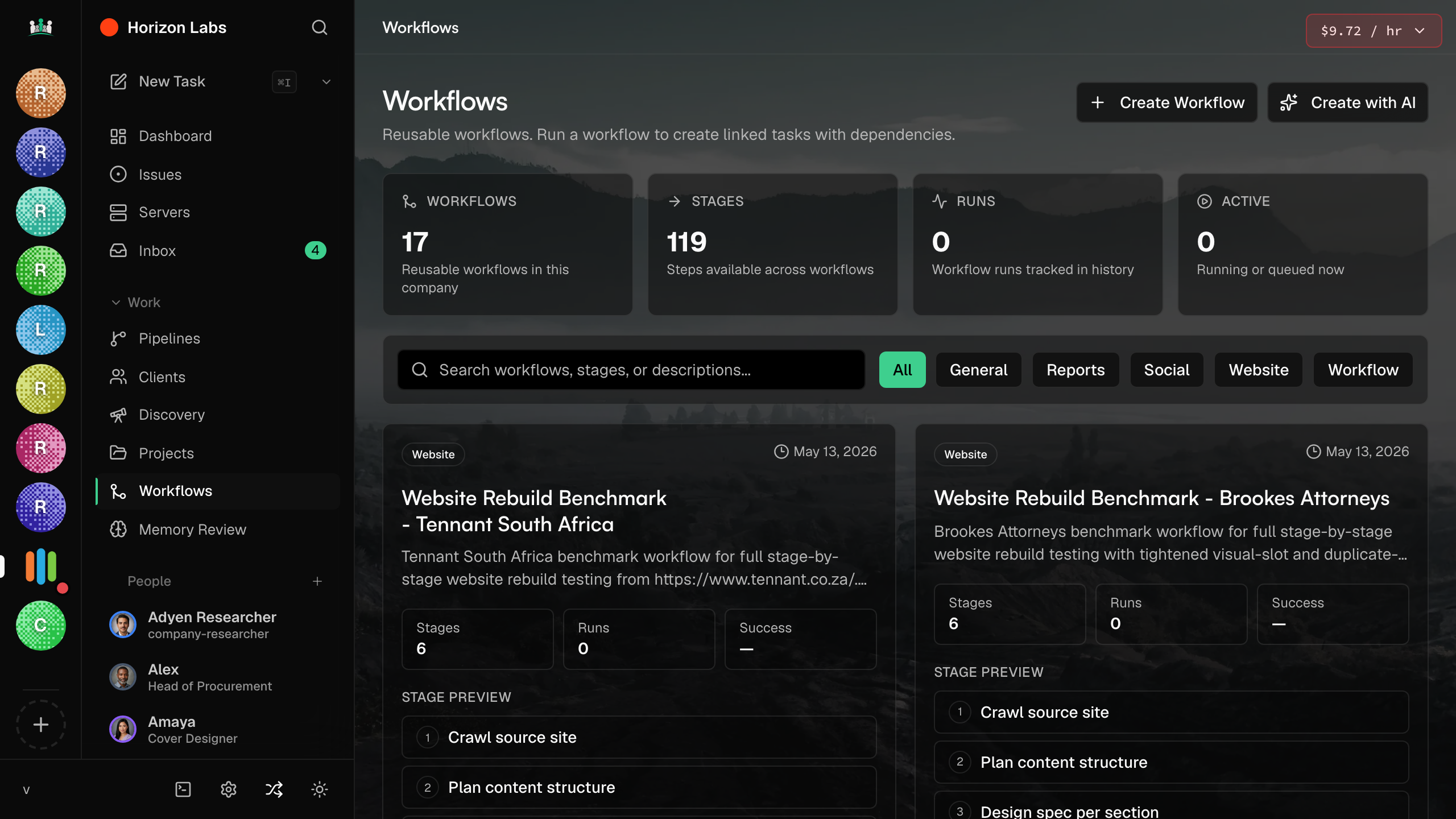
Specialist agents only work if the handoffs between them do. The first version of Company Agents let agents message each other freely. It looked elegant in a diagram and fell apart in production. Agents talked over each other. Work got duplicated. Nobody knew who owned what.
The fix was a primitive we call a Workflow. A Workflow is a sequence of named stages, each one owned by a specific agent or skill, with explicit handoff documents between them and explicit approval gates where a human can step in.
A Workflow is a contract between agents: who owns each stage, what they hand off, and where a human signs.
What a Workflow is
The shape of a Workflow
Each Workflow has stages. Each stage has an owner (a specialist agent), inputs (the handoff document from the previous stage), outputs (a structured artifact), and a status (pending, running, blocked, done). A stage cannot start until its inputs are ready. A stage cannot finish until its outputs validate against a schema.
Approval gates
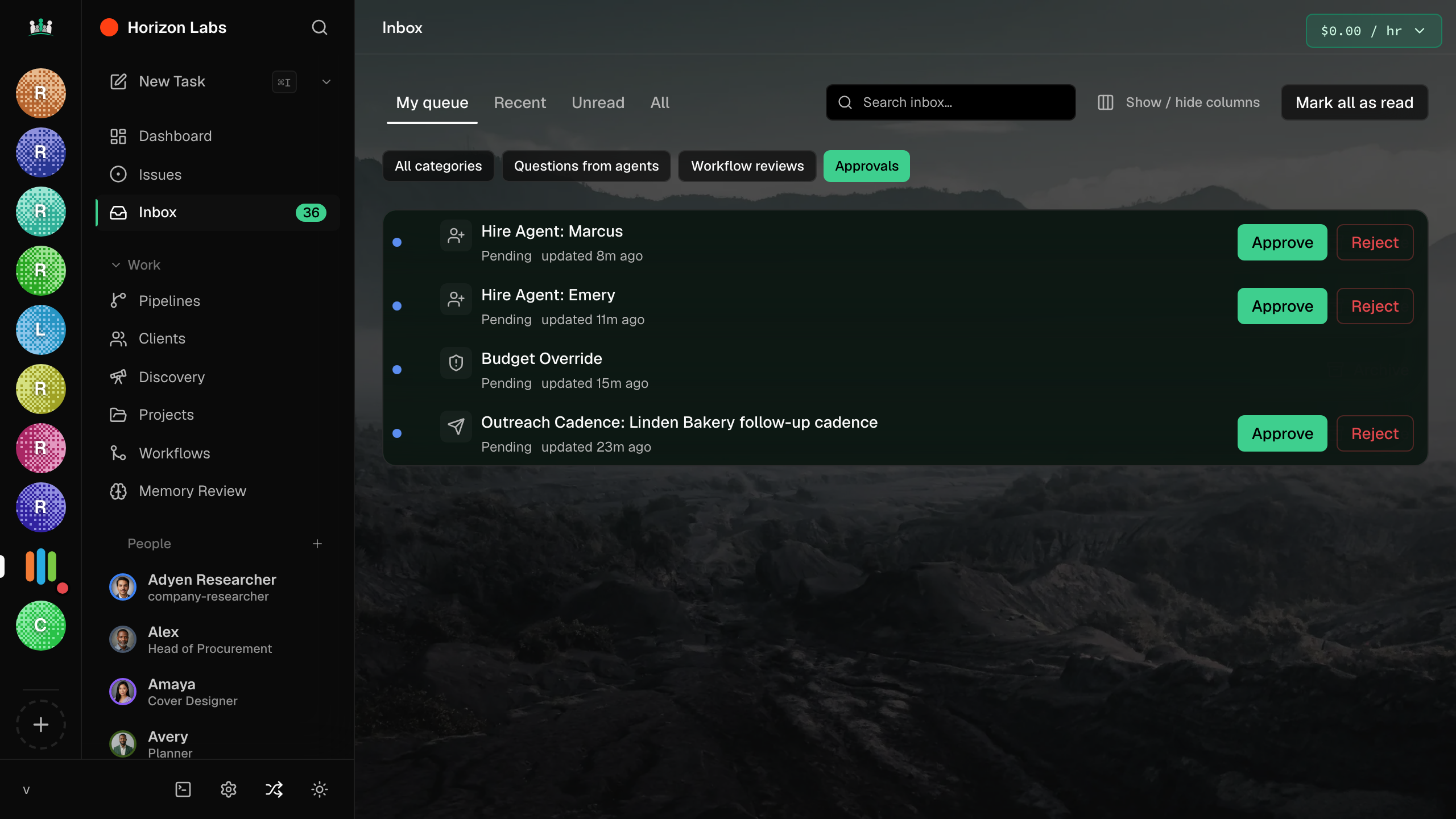
Some stages need a human before the next stage runs. Picking a logo. Approving copy. Releasing a deploy. The Workflow primitive bakes this in: any stage can be marked as needing approval, and the run pauses there until a human signs.
This is the answer to the most common worry about autonomous agents: things happen you did not want. With approval gates, the autonomous part runs only inside the fence the human draws. Outside the fence, the agent stops and asks.
Loops and re-runs
Most real work is not a straight line. A QA stage can fail and bounce work back to design. A design stage can finish, a human can reject, and the stage re-runs with feedback. Workflows handle this by making any stage re-runnable, with the previous output stored so the next attempt is an edit, not a from-scratch redo.
What we got wrong the first time
We tried to make Workflows visual before they were stable. A drag-and-drop canvas where you connect stages. People loved drawing them. The drawings did not survive contact with running work. The early Workflows had no schema on handoffs, so stages did not know what they were getting. They guessed. They guessed wrong.
The fix was to start with the schema, then add the canvas. Every stage now declares what shape of object it accepts and what shape of object it produces. The canvas shows the schema as much as the boxes.
Draw the workflow last. Type the handoffs first.
The rule
How workflows compose with agents
A workflow does not replace an agent. It schedules agents. The agent is the worker. The workflow is the office. An agent without a workflow is improv. A workflow without agents is an empty office.
More on the other primitives that sit alongside agents and workflows in the next post.